GTA 6 Settings
What every option does, what it starts on and who says so, with the accessibility options one tap away.
- 78
- Settings listed
- 46
- For accessibility
- 53
- With their default
- 7
- Menus
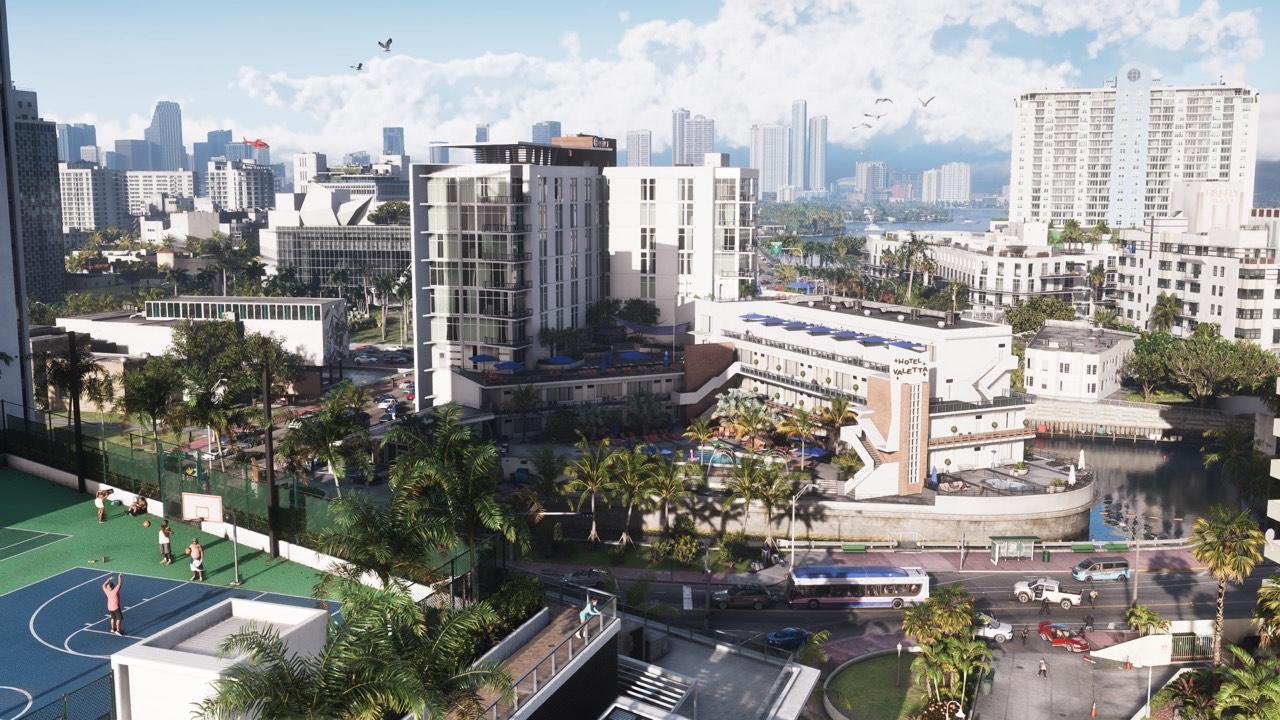
Last cross-checked November 24, 2026Image © Rockstar Games
Pause and open Settings. Nothing here is Rockstar's advice: suggested values are the named outlet's. For buttons, see the controls page.
Where a default isn't given, no outlet we read prints one.
Display
Brightness Calibration
Move it until the logo is only just visible. Nights are dark without it.
Output Lag, games.gg
Safe Zone
Fits the picture to your screen's edges.
Output Lag, games.gg
Motion Blur Strength(accessibility)
Blur during movement. Output Lag and games.gg turn it off; Beebom uses 1.
Output Lag, games.gg, Beebom
Default3says Output Lag
High Contrast Shaders(accessibility)
Colours enemies, allies and things you can use so they stand out. You choose which groups.
Output Lag, games.gg, Beebom
DefaultOffsays Output Lag
Focus Trail Colorblind Mode(accessibility)
Strengthens the colours of Focus trails.
Output Lag, games.gg, Beebom
DefaultOffsays Output Lag
Flashbang(accessibility)
A dark flash in place of the bright white one.
Bright or Dark
Output Lag, games.gg, Beebom
DefaultBrightsays Output Lag
Brightness Reduction(accessibility)
Softens bright lights in the world, but not the HUD.
Output Lag, games.gg, Beebom
DefaultOffsays Output Lag
Player Status Effects Intensity
Screen effects for low health and stamina.
Output Lag, Beebom
Default5says Output Lag
Hit Effects Intensity
Screen effects when you're hit.
Output Lag, Beebom
Default5says Output Lag
Awareness Effects Intensity
Warnings at the edge of the screen.
Output Lag, games.gg, Beebom
Default5says Output Lag
Dismemberment
Turns dismemberment off.
On or Off
Output Lag, games.gg, Beebom
Blood & Gore Intensity
How much blood and gore is shown.
Three levels
Output Lag, games.gg, Beebom
DefaultHighsays Output Lag
Text, subtitles and HUD
Subtitles(accessibility)
Subtitles for dialogue.
Includes On and Mission Only
games.gg, Output Lag
Speaker Names(accessibility)
Adds names to subtitles and captions.
games.gg, Output Lag
Subtitle Size(accessibility)
Set separately from the rest of the text.
One source: games.gg
Closed Captions(accessibility)
Separate from subtitles.
One source: games.gg
UI Text Size(accessibility)
Text, icons and button prompts. games.gg suggests Medium.
games.gg, Output Lag
Map and Minimap Blip Size(accessibility)
Icon size on the map and on the minimap. Output Lag suggests Large.
Output Lag, games.gg
In-World Marker Size(accessibility)
Markers in the world and on the compass. Both suggest Large.
Output Lag, games.gg
Color Adjustments(accessibility)
Colours across the interface and HUD.
One source: games.gg
Persistent Center Dot(accessibility)
A fixed dot that can help with motion sickness.
One source: games.gg
Minimap and Compass
Dynamic shows them while driving and fighting.
Dynamic, On or Off
One source: games.gg
Street Names
Shows street names. Output Lag turns it on.
One source: Output Lag
DefaultOff
Projectile Arc
Keeps the throw path showing, so you don't have to press R3.
One source: Output Lag
DefaultToggled
Audio
Screen Narration(accessibility)
Reads menus and on-screen text aloud. English only, according to games.gg.
Output Lag, games.gg, Beebom
Narration volume, speed and voice(accessibility)
Volume from 1 to 10, speed from 1 to 8, and two voices.
One source: Beebom
Default7 and 3
Audio Descriptions(accessibility)
Listed, not described.
One source: Output Lag
Tinnitus Reduction(accessibility)
Cuts the ringing after explosions.
Output Lag, games.gg
Mono Audio(accessibility)
The same sound in both ears.
One source: games.gg
GPS Voice(accessibility)
Spoken directions.
Output Lag, games.gg
DefaultOffsays Output Lag
Vehicle Radio
Off stops the radio starting whenever you get in.
Output Lag, games.gg
Controller Speaker (PS5)
Phone, GPS and police radio through the controller.
Output Lag, games.gg
DefaultOnsays Output Lag
Controller Cop Scanner (PS5)
The police scanner through the controller.
One source: Output Lag
DefaultOff
Mute Licensed Music
For streaming.
One source: Output Lag
Volume sliders(accessibility)
Separate sliders, Music and Dialogue among them. Turn Music down if talk is hard to hear.
Output Lag, games.gg
Gameplay: accessibility
Accessible Combat(accessibility)
Enemies have less health and you take less damage. Push Square says it doesn't block trophies.
Output Lag, games.gg, Beebom, Push Square
DefaultOffsays Beebom
Reduced Vehicle Damage(accessibility)
Your vehicle takes less damage. Push Square says it doesn't block trophies.
Output Lag, games.gg, Push Square
Simplified Mini Games(accessibility)
Eases exercise, basketball and hotwiring.
Output Lag, games.gg, Beebom
DefaultOff
Tap Assist(accessibility)
One press counts as two, three or four, or you hold where you'd mash.
Output Lag, games.gg, Beebom
DefaultOffsays Beebom
Hold Assist(accessibility)
Shortens holds by two, three or four times.
Output Lag, games.gg, Beebom
DefaultOffsays Beebom
Hold Delay(accessibility)
Helps if holds fire by accident.
Output Lag, games.gg, Beebom
DefaultOffsays Beebom
Aiming, Interact and Loadout(accessibility)
Hold the button or press it once.
Hold or Press
Output Lag, games.gg, Beebom
DefaultHoldsays Beebom
Nitrous(accessibility)
Hold or press.
Hold or Press
Output Lag, games.gg, Beebom
DefaultHoldsays Beebom
Fishing(accessibility)
How you reel in.
Rotate, hold or repeated presses
Output Lag, games.gg, Beebom
DefaultRotate
Focus(accessibility)
Another button for Focus.
One source: Beebom
DefaultL3 + R3
Auto Drive(accessibility)
Drives to your waypoint in the cinematic camera. Unrestricted allows riskier situations.
Restricted or Unrestricted
Output Lag, games.gg, Beebom, Game8 Japan
DefaultRestricted
Auto Equip Helmet
Puts a helmet on when you get on a bike.
Output Lag, Beebom
DefaultOffsays Beebom
Gameplay: movement and combat
Control Scheme(accessibility)
The button layout.
Default, Classic or Left-Handed
Output Lag, games.gg, Beebom
DefaultDefault
Movement Speed(accessibility)
Run lets a full push of the stick jog, so you don't have to click it.
Output Lag, games.gg, Beebom
DefaultWalk
Combat Movement Speed
How fast you move in a fight.
Output Lag, Beebom
DefaultFast Walk
Stand & Sprint
On makes you stand up when you sprint from a crouch.
Output Lag, games.gg, Beebom
DefaultOffsays Beebom
Run & Sprint(accessibility)
Hold or toggle.
One source: Beebom
DefaultHold
Targeting(accessibility)
Lock-On snaps to a target, Partial pulls toward one, Free Aim does neither.
Lock-On, Partial or Free Aim
Output Lag, games.gg, Beebom, Game8 Japan
DefaultPartial
Aim Assist Strength(accessibility)
Slows the reticle over a target. games.gg gives the scale as 0 to 4, Beebom as 0 to 5.
Output Lag, games.gg, Beebom, Game8 Japan
Default4
Lock-On Time and Target Switch(accessibility)
Only with Lock-On.
Output Lag, Beebom, Game8 Japan
Default4 and Offsays Beebom
Shooting Assist(accessibility)
Tracks targets at close range.
Output Lag, games.gg, Beebom, Game8 Japan
DefaultOn
Drive-By Assist(accessibility)
Aims at nearby targets from a vehicle.
Output Lag, games.gg, Beebom, Game8 Japan
DefaultOn
Quick Draw
On or off; no outlet describes it.
Output Lag, games.gg, Beebom, Game8 Japan
DefaultOn
Cover Selection
Movement Only is the other choice.
games.gg, Beebom, Game8 Japan
DefaultCamera & Movementsays Beebom
Holster in Vehicle
Manual keeps your gun out when you get in.
games.gg, Beebom, Game8 Japan
DefaultAutomaticsays Beebom
Controller
Look and aim sensitivity
Output Lag suggests 9 to 10; Beebom 8 to 9 for looking and 6 to 8 for aiming.
Output Lag, Beebom
Default7
Look and aim acceleration
How quickly the camera gets up to speed.
Output Lag, Beebom
Default7
Aim Response Curve
How the reticle answers the stick.
Standard, Linear, Precision or Aggressive
Output Lag, Beebom
DefaultStandard
Stick dead zones
Lower is more responsive, until a worn stick drifts.
Output Lag, Beebom
Default4
Vibration & Haptics Strength(accessibility)
How strongly the pad shakes.
Output Lag, games.gg, Beebom
Default10says Beebom
Adaptive Triggers (PS5)(accessibility)
Resistance and vibration in the triggers.
Output Lag, games.gg, Beebom
DefaultOnsays Beebom
Adaptive Speed Limiter (PS5)
R2 stiffens near the speed limit.
Output Lag, Beebom, Game8 Japan
DefaultOn
Inverted Controls
Four separate switches. Aircraft Movement is the one that's on.
Output Lag, Beebom
DefaultAircraft on
Camera
Camera Shake(accessibility)
Turn it off if it makes you queasy.
Output Lag, games.gg, Beebom
DefaultOnsays Output Lag
Camera Bob(accessibility)
The rocking as you move. Lower it, or set it to 0.
Output Lag, games.gg, Beebom
Default10says Output Lag
Weapon Sway(accessibility)
Sway while you aim.
Output Lag, games.gg
DefaultOnsays Output Lag
Camera Height
On foot and in vehicles. Beebom and Game8 Japan raise it in vehicles.
Low, Medium or High
Output Lag, Beebom, Game8 Japan
DefaultMediumsays Output Lag
Phone Display
First Person shows the phone in your hand.
Output Lag, PowerPyx
Cinematic Vehicle Crash Frequency
How often a crash cuts to a camera.
Output Lag, games.gg
Default3says Output Lag
Cinematic Kill Shot Frequency
How often a kill cuts to slow motion.
One source: games.gg
Idle Camera
The camera that takes over when you stop.
One source: games.gg
Follow Roll (aircraft)(accessibility)
Off keeps the horizon steadier.
One source: Output Lag
TV and console
Where outlets agree, and where they don't.
- Game Mode on your TV
- On.
- One source: TechWiser
- Motion smoothing on your TV
- Off, say TechWiser and Beebom. Output Lag suggests trying it for a smoother look at 30fps, and turning it off again if the picture blurs or lags.
- TechWiser, Beebom, Output Lag
- HGiG
- On, if your TV has it.
- TechWiser, Beebom
- HDR
- Disputed. Output Lag, games.gg and TechWiser calibrate it on the console first. Push Square, citing HDTVTest, says the game ignores that on PS5 and suggests Brightness 2,000, Black Levels 20 and Paper White 35 on a bright display.
- Output Lag, games.gg, TechWiser, Push Square
- VRR
- On or Automatic.
- Output Lag, TechWiser, Beebom
- 120Hz output
- Disputed. TechWiser and Output Lag leave it on; Beebom says the 30fps lock makes it pointless and to switch it off if you see tearing. games.gg points out it doesn't lift the frame rate.
- Output Lag, TechWiser, Beebom, games.gg
- ALLM
- Disputed. Rockstar Support's fix for sound out of sync on PS5 is Game Mode on and ALLM off. Output Lag also turns it off; TechWiser and one Beebom guide leave it on Automatic.
- Rockstar Support, Output Lag, TechWiser, Beebom
Not in the game
A performance, 60fps or fidelity mode
Output Lag, games.gg, Beebom
Changing single buttons
Output Lag, Beebom
Difficulty levels
Output Lag, Push Square
A first-person mode
Output Lag, Push Square, PowerPyx
A field-of-view slider
One source: Output Lag
Film grain, depth of field or chromatic aberration switches
One source: Output Lag
Guides that go with this
Settings FAQ
What accessibility options does GTA 6 have?
We list 46, among them High Contrast Shaders, a colorblind mode for Focus trails, screen narration, subtitles and captions, text size, mono audio, tinnitus reduction, tap and hold assists, simplified mini games, aim assists, Auto Drive and Accessible Combat. They're spread across the Display, UI, Audio, Gameplay, Controller and Camera menus.
Does GTA 6 have difficulty settings?
No difficulty levels. Accessible Combat does this: Enemies have less health and you take less damage. Push Square says it doesn't block trophies. Reduced Vehicle Damage is separate.
Do the easier settings block trophies in GTA 6?
Push Square says Accessible Combat and Reduced Vehicle Damage don't. No outlet we've read says any setting does. Cheats are what switch trophies off.
How do you turn off blood and gore in GTA 6?
Settings > Display. Turns dismemberment off. How much blood and gore is shown.
How do you turn off the menu voice in GTA 6?
Settings > Audio > Narration, then switch Screen Narration off.
How do you fix motion sickness in GTA 6?
Turn off Camera Shake, lower Camera Bob, set Motion Blur Strength to 0 and try the Persistent Center Dot.
Does GTA 6 have a performance mode?
No. It targets 30 frames per second on every console, and no setting changes that.
Why is GTA 6 so dark?
Use Settings > Display > Brightness Calibration and move it until the logo is only just visible. HDR can make it worse; outlets disagree on how to set that, and both views are on this page.
Checked against
Compared across these pages. TechWiser's page was written before release, so it's used only for TV and console advice.
- Output Lag: settings
- games.gg: accessibility settings
- games.gg: graphics settings
- Beebom: controller settings
- Beebom: graphics settings
- Beebom: screen narration
- Beebom: PS5 settings
- Game8 Japan: shooting
- Push Square: HDR
- Push Square: tips
- PowerPyx: first-person view
- TechWiser: console and TV settings
- Rockstar Support: installation and sound